
GUIDES & TUTORIALS
Get to know your iPod
Short, illustrated guides to understand what you have in your hands and choose well: recognising the model, telling the storage options apart, knowing what to expect from a repair or an upgrade.
- Plain explanations, no jargon
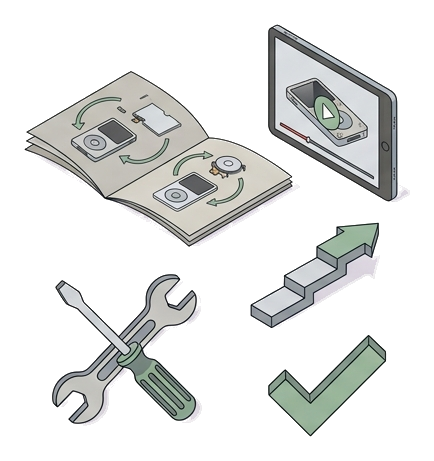
- Illustrations for every step
- Written by people who repair iPods every day
More guides coming: battery, click wheel, transferring your music library.
All guides
GUIDEiPod Classic Thin or Thick: sizes and modelsFind out in two minutes which back shell your iPod has.Read the guide →GUIDESSD or iFlash? Choosing your iPod's storageWhat differs between the two solid-state options and why we recommend iFlash.Read the guide →GUIDERockbox on iPod: compatibility and installationRockbox compatibility, installation, music and common problems.Read the guide →GUIDETaptic Engine on iPod: what it is and when it fitsWhat the Taptic Engine mod is, its requirements and price.Read the guide →GUIDEHow to check your original iPod hard drive: the SMART menuHow to open HDSmartData and read Reallocs and Pending Sectors.Read the guide →GUIDEiPod Classic and a modern Mac mini: recognition and musicHow to connect, recognise and sync an iPod Classic with a modern Mac.Read the guide →